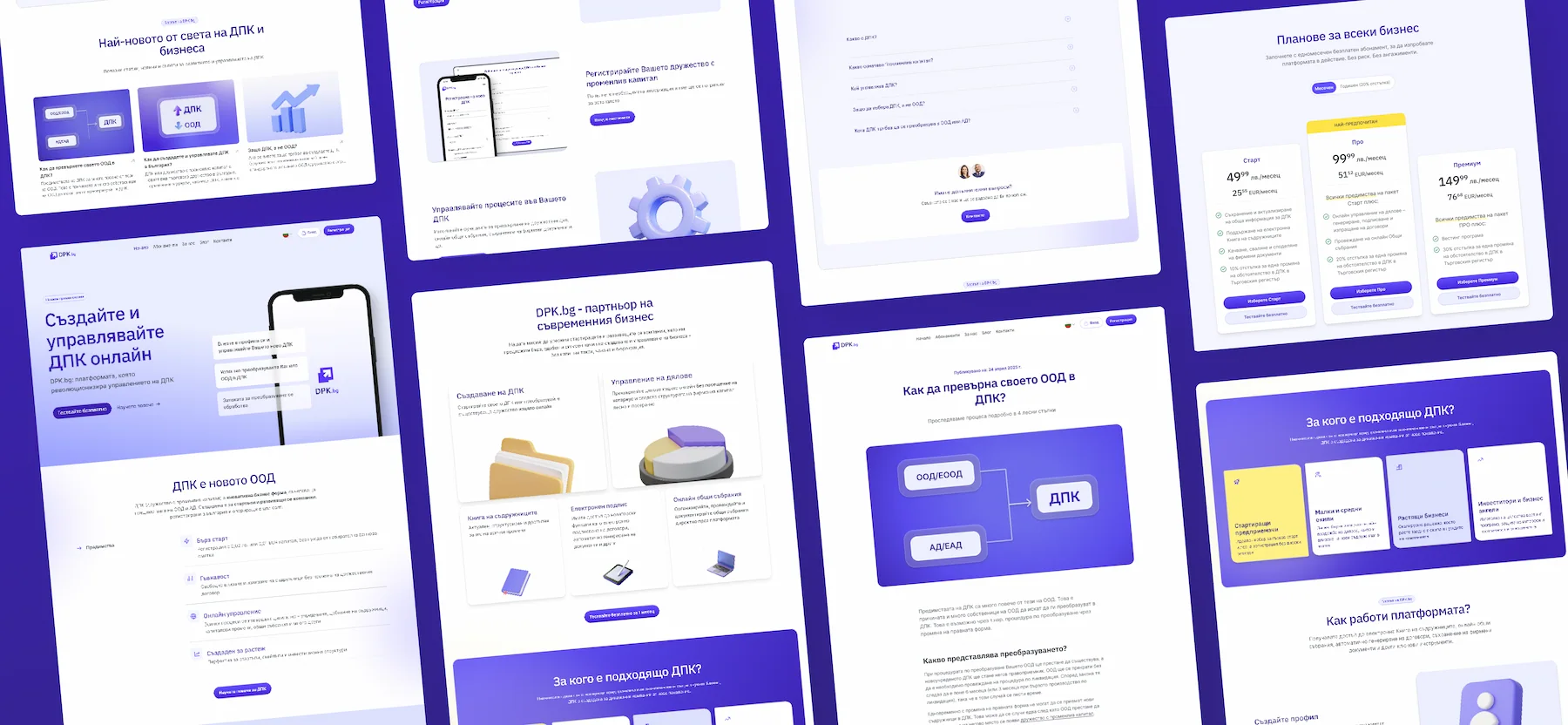
A section library and a website maker built on top of it
Overview
A section library, and a studio I built on top of it that turns the library into a drag-and-drop site builder. Compose a page in the browser, theme it, export it as HTML and modular CSS. Host it as-is or open it in Claude Code and keep building.
The challenge
Both are tools for me first. Most of my projects start with a marketing site, or a small app with a marketing surface. I was rebuilding the same heroes and footers every time, with slightly different tokens and accessibility holes each round. The work didn't compound. So I built my own.
The library
How it fits into my work
For freelance and personal projects I compose a page in the studio, export the codebase, and keep building from there in Claude Code. The export is HTML plus modular CSS per section, plus a tokens folder. Easy to extend, easy to deploy.
For agency work the same library is what I reach for when prototyping or speccing a page for the dev team. The output is real code, not a Figma file with an explanation. If a project does need Figma, the same tokens carry across so the system stays in sync.
150+ sections, three variants each
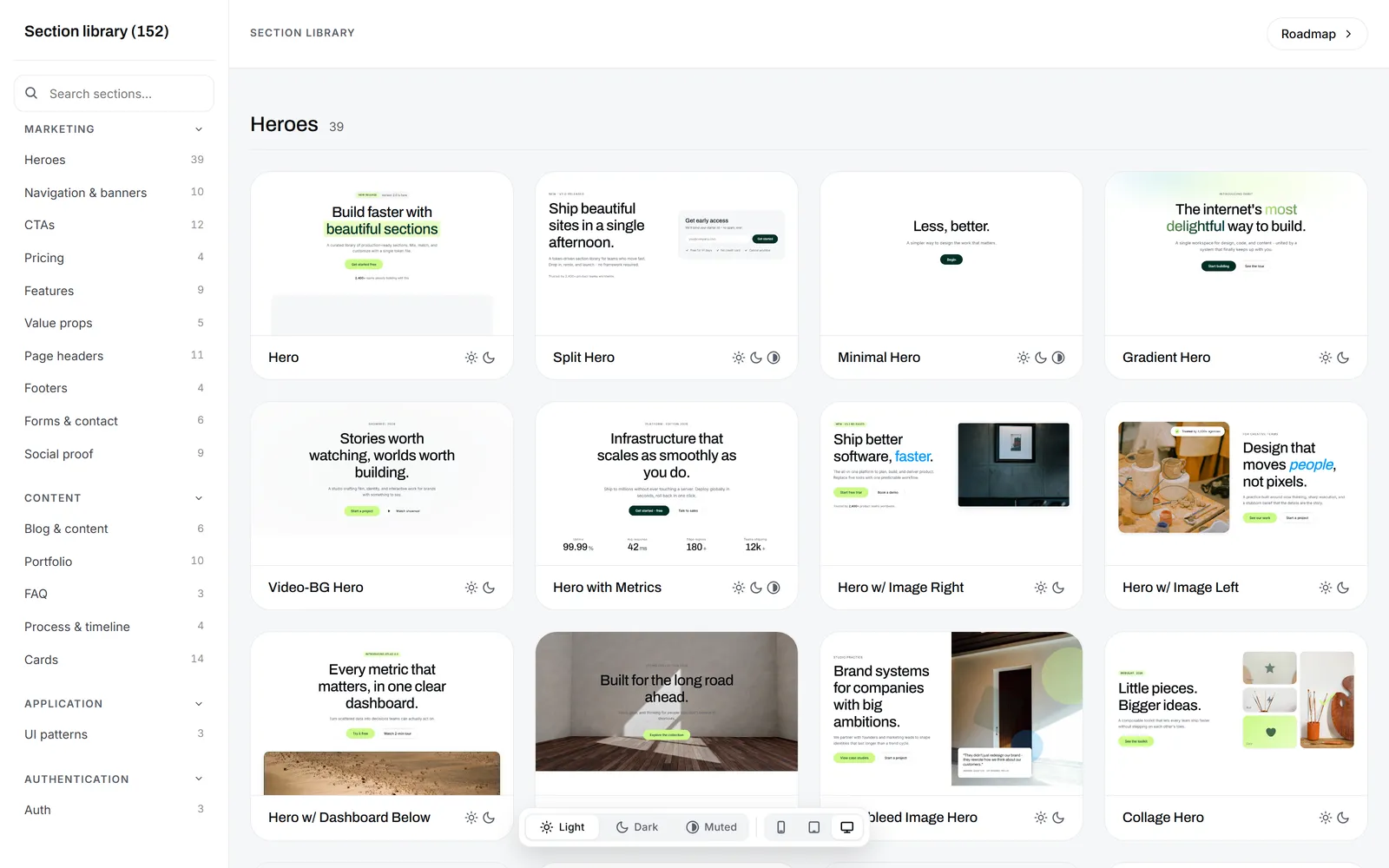
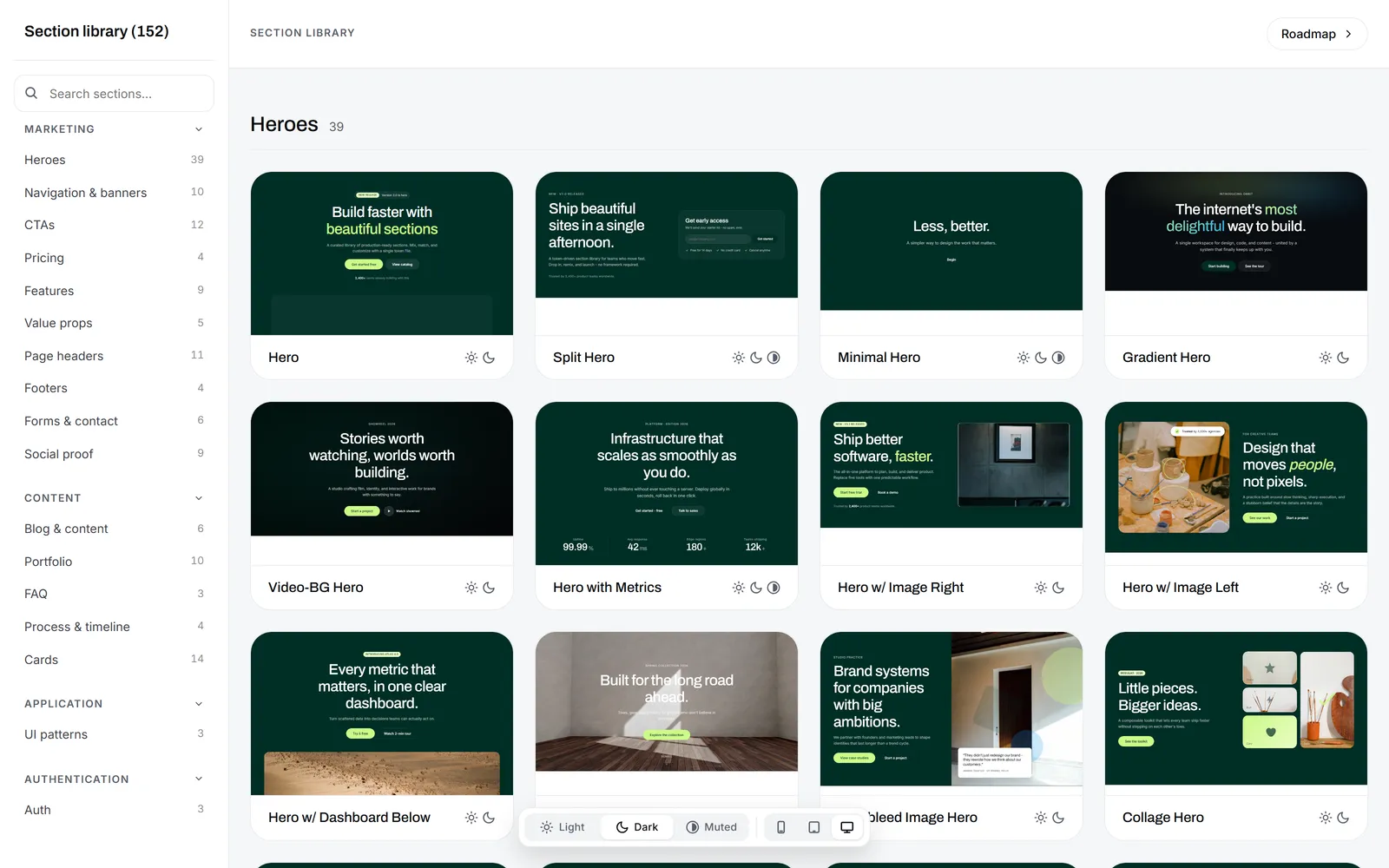
150+ sections across 17 categories. Each section ships in three variants (light, dark, muted), switched by a single data-variant attribute on the root. Same markup, three reads.
Pure HTML and CSS. The library doesn't depend on a framework or a build step, which means sections drop into React, Next.js, Astro, Webflow, or plain static hosting. Every value (color, spacing, type, radius, shadow) references a CSS custom property in tokens.css. Change a token, the whole library reskins.
This is the difference from Tailwind UI. Tailwind UI is utility-first: you write classes inline on every element. The library is token-first: you change the token and everything updates.
How quality is enforced
The library expands in batches. AI does the writing, conventions do the supervision, and I'm doing the final polishing.
A CONVENTIONS.md file defines what's allowed: token allow-list, BEM scoping, the three-variant requirement, accessibility checks. A new section either matches the conventions or it breaks visibly in the catalog. Sections are built in batches by parallel subagents, up to six at a time, each owning its own folder. The catalog merges the entries at the end.
A lot of the sections are scaffolds for now. They render correctly, they pass the conventions, but they haven't been pressure-tested against a real project yet. The refining happens when I use one in a real build, when I notice what's actually missing or what could be elevated. Then I fix it in the library itself, not in the project's copy. The change propagates as an update prompt to every other instance using the library, and each one confirms before pulling the update, so nothing changes visually without me knowing.
As it usually happens with AI, there are drifts. Every batch of 10 to 15 sections, something slips: a hardcoded color that should be a token, a variant that doesn't render right, or a broken responsive view. I catch most of it during the catalog merge, when the section sits next to the rest and the difference is obvious. The scaffold catches the easy ones, the catalog merge catches the visual ones, and anything else I fix by hand. There's no formal lint step yet, but it's on the roadmap.
The studio
How I work with Claude Code
Claude Code does the typing on the whole project. Green lights: writing new sections against the conventions file, refactoring a section to match a new token, building studio features against a spec I've already thought through, debugging library-level issues.
Hard nos: making product decisions without me, picking tokens or color values, deciding what counts as a section worth adding, writing UI copy, or anything else that touches the design system. The model is good at writing the code I've already decided I want. I check visually before anything gets committed.
A browser-based page builder
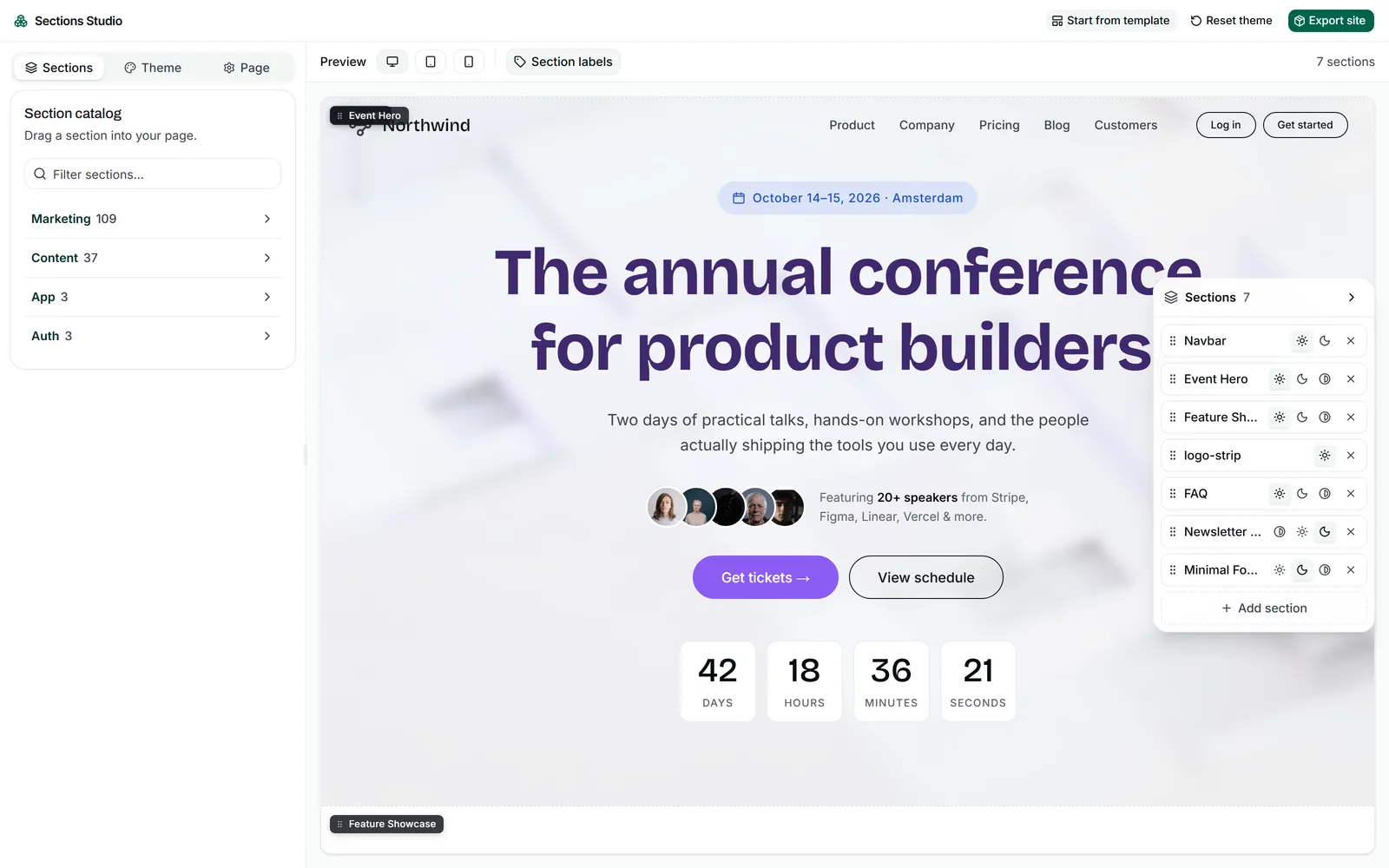
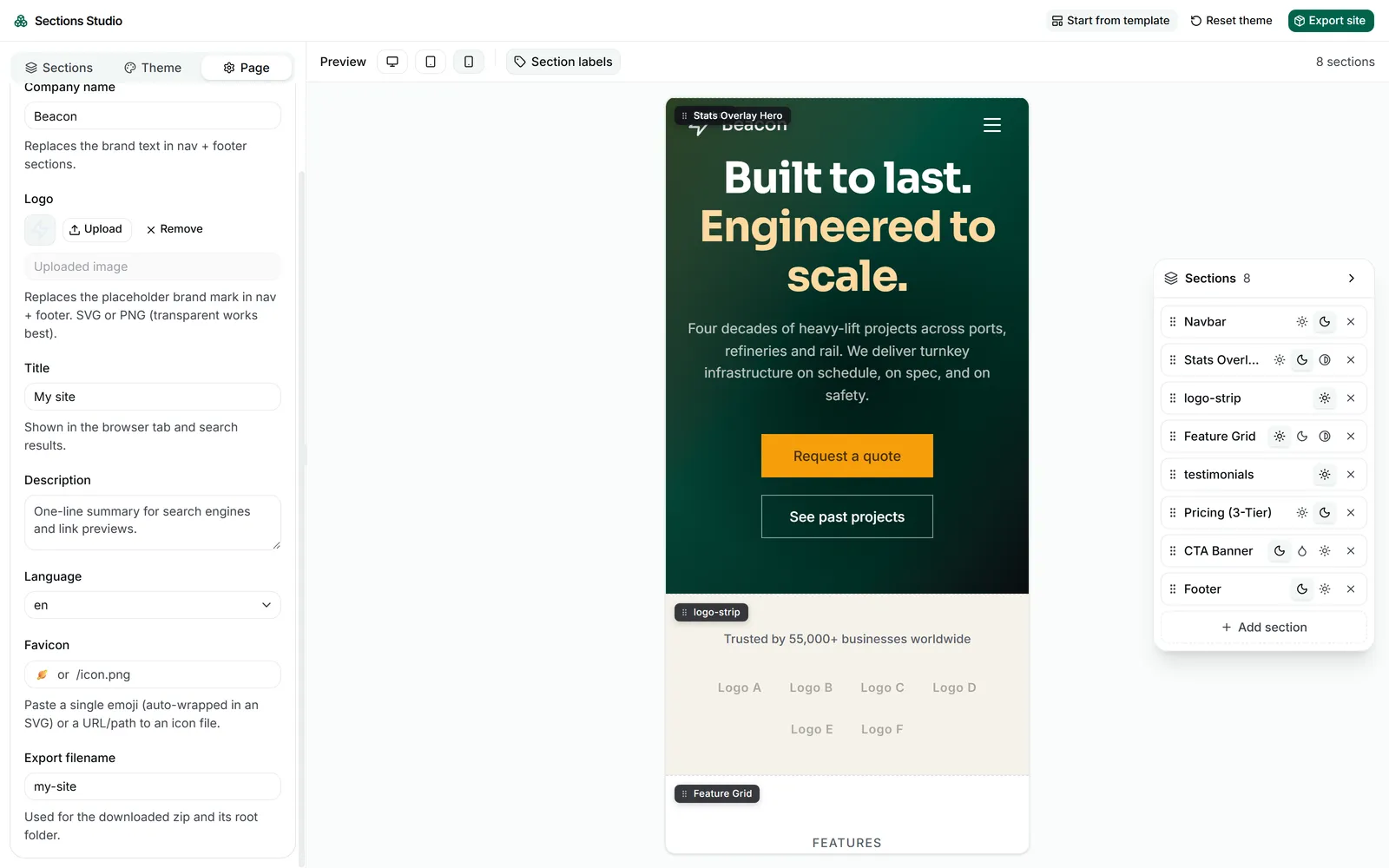
The library is the parts and the studio is what assembles them. It's a browser-based page builder where sections render inside an isolated preview, so the studio's UI and the sections being composed stay visually independent. The library is synced in as a snapshot, so the whole thing works offline too.
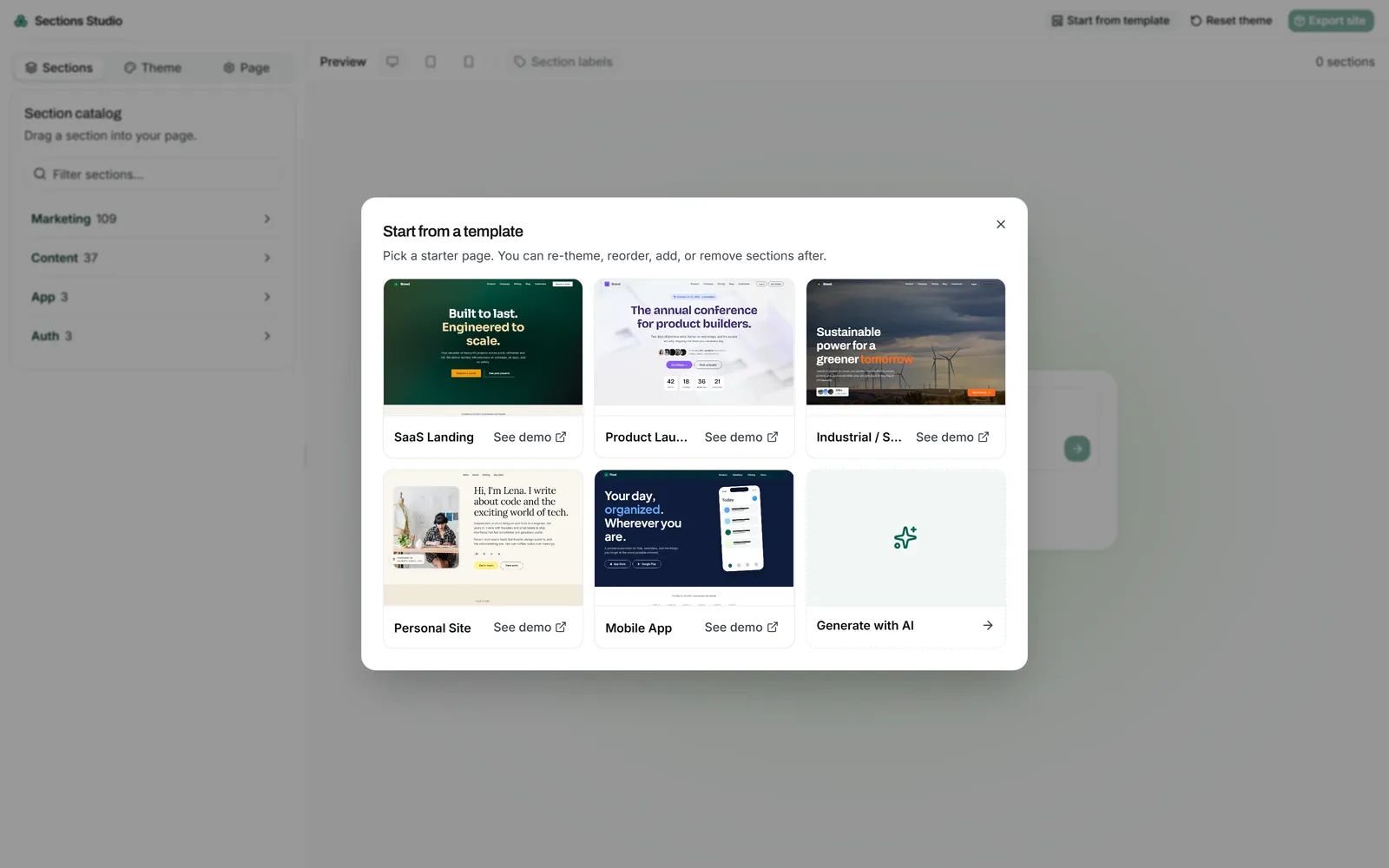
There are five starter templates to choose from (SaaS landing, product launch, industrial services, personal site, mobile app), plus the option to generate one from a prompt. The catalog renders the whole library as live thumbnails in collapsible category accordions. Drag a section onto the canvas to add it, drag rows to reorder, click a row to change its variant.
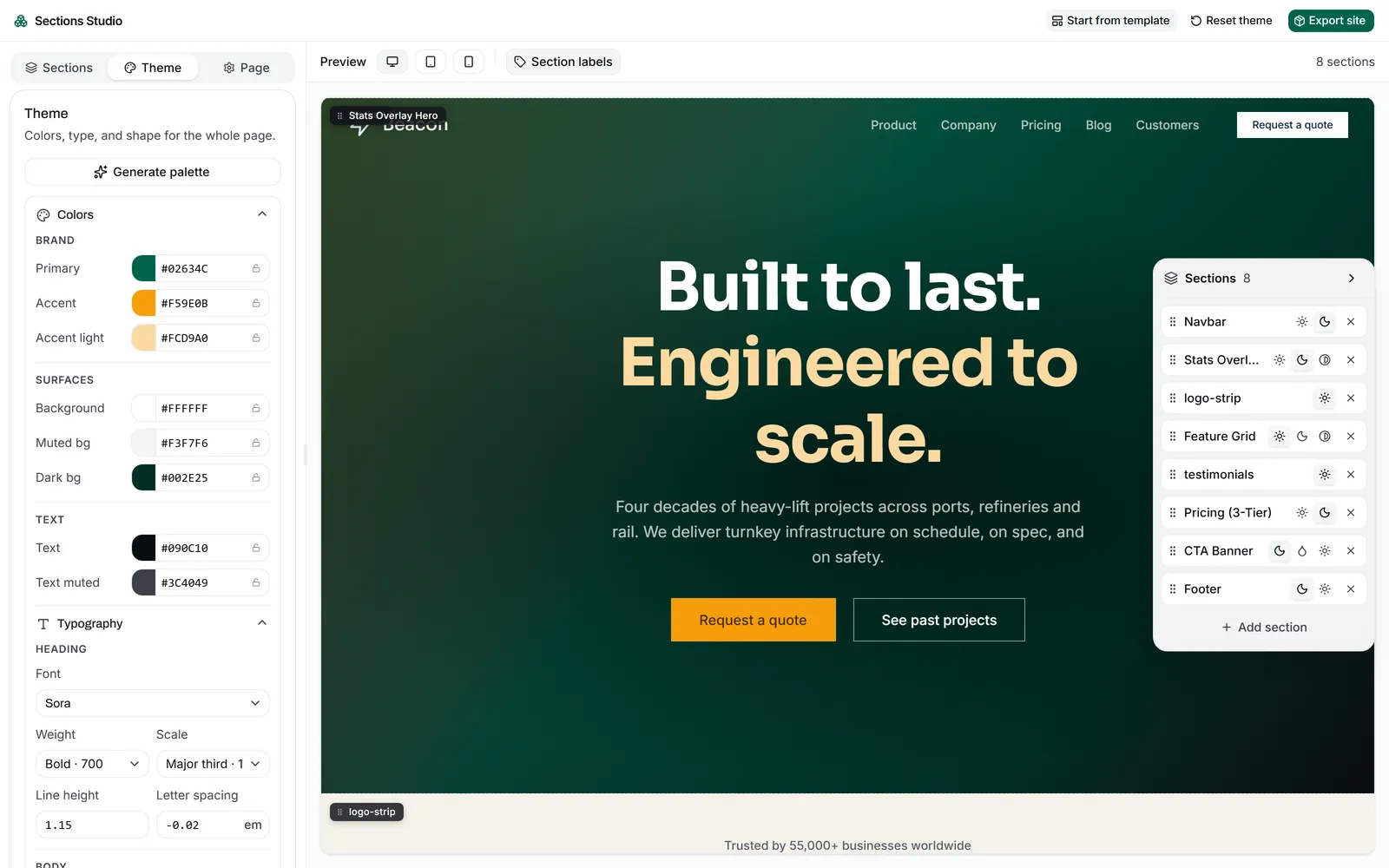
The theme panel has color controls, font selects wired through to Google Fonts, and radius pickers. The "generate palette" button creates a full theme from scratch, or it can build around values the user has locked in (a brand color, a specific accent), generating the rest of the palette to match.
Export downloads a .zip with the composed index.html, the tokens folder, deduplicated section CSS for only the sections used, and a README with one-line deploy commands.
What's next
Where it's going
This is a project I keep adding to. New sections land in the library in batches; a sync script pulls them into the studio, but I run it by hand, only once I'm sure of the changes I want to push.
These are the next three things on the roadmap:
A GitHub connection, so the export becomes a live repo with version history instead of a one-shot zip. Push from the studio, get a commit. Wire it to Vercel or Netlify and the same flow gets you a deployed site.
The LLM compose path, revived. The goal isn't full page generation. It's helping with the boring parts: ordering sections sensibly, filling in copy that matches the brief. Each section gets a template.json with field schemas and Mustache placeholders, so a model fills the slots without breaking the markup.
A small CMS around the builder. Save pages, version them, edit copy in place, swap images.